Direct Answer
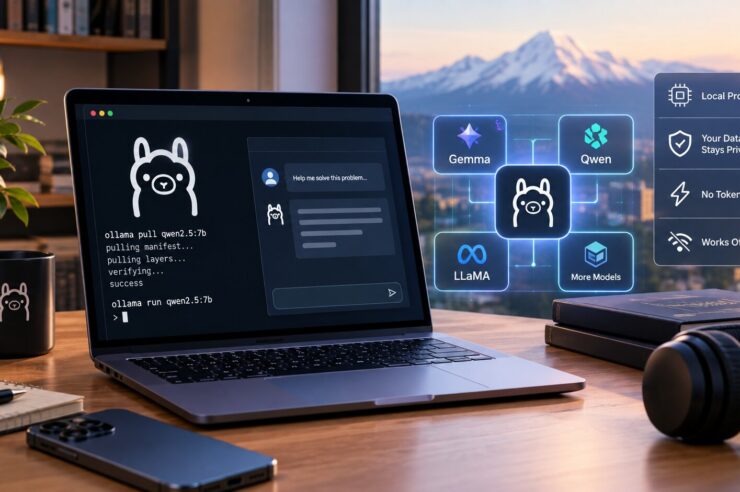
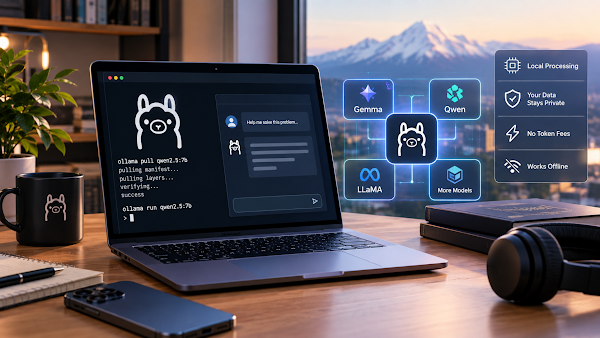
To get started with Ollama, install it, pull an open model, run a few prompts locally, and use the local API when a script, app, or editor needs model responses.
A Beginner-Friendly Way to Think About Ollama
Ollama is not just a chat window. It is a local model manager and runtime that can turn a computer into a small AI server for experiments and private workflows.
That matters because the early stage of AI adoption is often messy. People need to compare models, test prompts, and find limits before deciding what should become a real tool.
Key Takeaways
- Ollama can download and serve models locally.
- Users can test prompts from the command line.
- The local API helps connect Ollama to apps and scripts.
- Not every model will run well on every computer.
- Small models are often the best first test.
- Private documents can stay closer to the device.
- Local AI can reduce cloud costs during experimentation.
- Quality must be checked against real prompts.
- Storage and memory needs should be reviewed before downloading models.
- Cloud models may remain better for larger workloads.
- Running local AI models with Ollama is most useful when the task is clear.
How to Start Without Overcomplicating It
Install first, optimize later
Start with the default install and a widely used model. Optimization comes after the first working prompt.
Use real prompts
Test the model with the kind of writing, code, or summarization the workflow actually needs.
Watch performance
If responses are too slow, choose a smaller model or quantized variant before assuming the approach is wrong.
Related Reading: What Is the Mac Studio M5 Performance Level?
Frequently Asked Questions
Is Ollama hard to use?
It is approachable for technical users because the main flow is install, pull, run, and call the API.
What should you test first?
Try summaries, code explanation, outlines, structured extraction, and short draft rewrites.
Why choose local AI?
The reason to run local AI models with Ollama is to test privately and cheaply before committing to a hosted AI workflow.
Bottom Line
Ollama makes local AI approachable. If the goal is private testing, simple app integration, or model comparison, local AI models with Ollama gives builders a clear starting point.
Teams that run local AI models with Ollama should document which prompts, files, and model sizes work best before relying on the setup every day.
Source: MindStudio. Read the original article.
Related reading on techypopat.com: iPhone 18 Upgrade Guide: Backup, Transfer, and Setup; Business Growth Depends on These 2026 Tech Trends.